Table of Contents
Guardian Duo Installation Guide
Guardian Duo Accessible Pedestrian Signal system installation guide. Mount controller and power supply in cabinet, install push button stations, connect field wiring, execute station discovery, then verify system operation.

Table of Contents

Overview
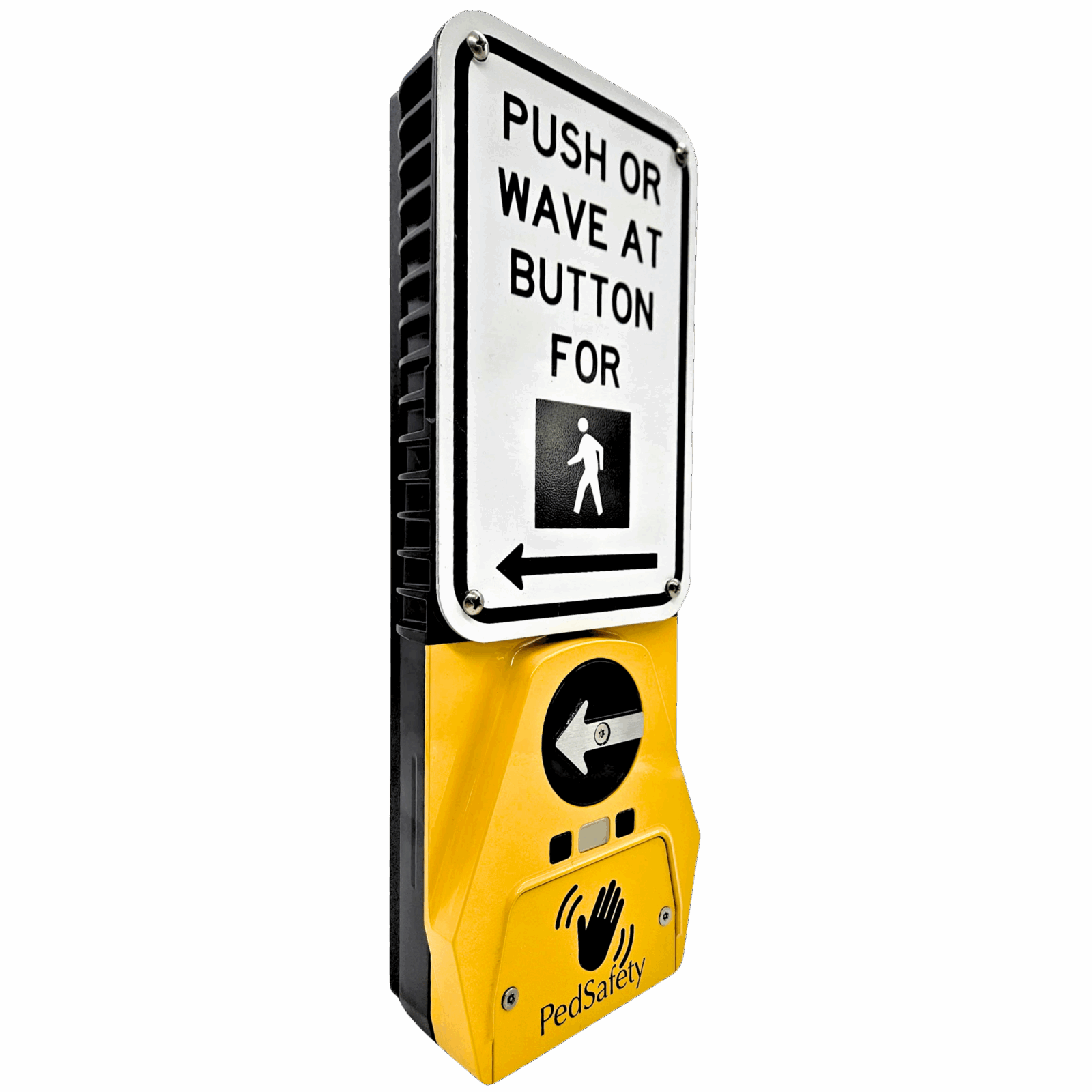
This guide provides installation procedures for the Guardian Duo Accessible Pedestrian Signal (APS) system. The system uses existing field wiring between the traffic cabinet and pedestrian push button stations to simplify installation while providing audible and vibrotactile pedestrian indications.
The Guardian Duo system consists of three main components:
• Guardian Duo Accessible Push Button (APB)
• Duo Controller
• Duo Power Supply
All components must be properly installed and connected for the system to operate correctly.
Installation Requirements
Before beginning installation, verify the following:
• Traffic signal cabinet is powered and operational
• Pedestrian phases are identified
• Existing push button field wiring is available
• Installation location meets local and MUTCD requirements
Ensure all work is performed in accordance with local traffic signal installation standards.
Traffic Cabinet Installation
Install the Duo Controller and Duo Power Supply inside the traffic signal cabinet before installing the push button stations.
Duo Controller Installation
Mount the Duo Controller inside the traffic cabinet using appropriate mounting hardware.
Ensure the controller is positioned where wiring connections can be easily accessed.
Controller connections include:
• Power input from the Duo Power Supply
• Pedestrian signal inputs from the traffic controller
• Communication wiring to the Guardian Duo stations
• Ethernet connection (optional for monitoring)
Duo Power Supply Installation
Mount the Duo Power Supply inside the traffic cabinet.
Connect the power supply input to cabinet AC power.
Input Voltage
• 89–134 VAC
The power supply output connects directly to the Duo Controller to provide regulated DC power for the Guardian Duo system.
Guardian Duo Station Installation
Install Guardian Duo push button stations at each pedestrian crossing location.
Mounting height and placement must follow local accessibility and MUTCD guidelines.
Typical mounting height
• 42 inches above grade (to push button center)
Ensure the push button arrow is oriented in the direction of the crossing.
Field Wiring
Guardian Duo stations operate using the existing two field wires typically used for pedestrian push buttons.
Connect the field wiring between the traffic cabinet and each Guardian Duo station.
Verify wiring continuity and secure all terminal connections before powering the system.
Station Discovery
After installation is complete, the Duo Controller must detect all connected stations.
Press the SET button on the Duo Controller.
The controller will automatically:
• Detect connected push button stations
• Assign station IDs
• Associate stations with pedestrian phases
Allow the discovery process to complete before proceeding.
System Verification
After installation and discovery are complete, verify proper system operation.
Test each station by pressing the push button.
Confirm the following:
• Pedestrian call is registered at the controller
• Wait indication activates
• Audible walk message plays during the walk phase
• Vibrotactile walk indication operates
• Locator tone resumes during the clearance phase
Verify operation at each crossing location.
Installation Completion
After verification is complete, secure all cabinet wiring and close the cabinet.
Confirm the system operates correctly under normal signal operation.
Installation of the Guardian Duo APS system is now complete.
Verify operation at each crossing location.
Downloads
Was this helpful?
Audible Beacon Device (ABD) Wiring Overview and Installation Guide
Guardian Duo Wiring Guide