Table of Contents
Guardian & Guardian Wave Troubleshooting Guide
Troubleshooting guide for Guardian/Guardian Wave APS systems. Verify power, wiring, and configuration for locator tone, push button, audio, vibrotactile, wave detection, and PedConnex issues.

Table of Contents

Guardian | Guardian Wave |
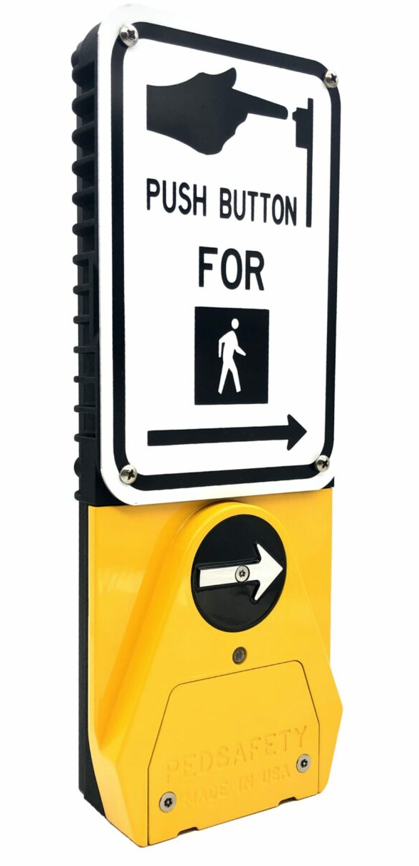 | 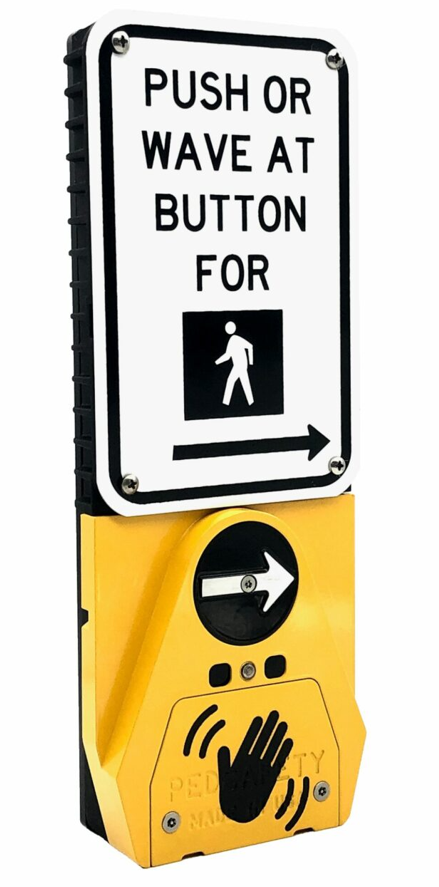 |
Overview
This guide provides troubleshooting steps for the Guardian and Guardian Wave Accessible Pedestrian Signal (APS) systems.
If the APS station is not functioning as expected, follow the checks below to verify power, wiring, and system configuration.
No Locator Tone
If the station does not produce a locator tone:
Check the following:
• Verify the pedestrian signal circuit is powered
• Confirm the Signal Power Interface (SPI) is installed correctly inside the signal head
• Inspect the four-conductor cable between the SPI and the APS station
• Ensure all wiring connections are secure
• Verify the station is receiving power from the SPI
If power is present and the locator tone is still inactive, the station may require reconfiguration or replacement.
Push Button Does Not Register Call
If pressing the push button does not place a pedestrian call:
Check the following:
• Confirm the push button switch is functioning
• Verify wiring between the APS station and SPI
• Confirm the SPI is connected to the WALK and DON’T WALK signals
• Inspect field wiring for damage or loose connections
Verify the pedestrian signal controller is able to accept a call.
No Audible Walk Message
If the walk phase occurs but no audible message is heard:
Check the following:
• Verify the APS station volume settings
• Confirm the system is configured correctly using the PedConnex utility
• Ensure the WALK signal is correctly connected to the SPI
• Confirm audio output is not muted or disabled
Vibrotactile Arrow Not Operating
If the tactile arrow does not vibrate during the walk phase:
Check the following:
• Verify the WALK phase signal is present
• Inspect station wiring connections
• Confirm the APS station configuration settings
• Ensure the station is receiving correct power
Guardian Wave Hand Detection Not Working
If the wave detection sensor does not activate a call:
Check the following:
• Ensure the station is a Guardian Wave model
• Verify sensor detection range settings
• Confirm the sensor is not obstructed
• Inspect the station for debris or damage near the sensor area
If necessary, verify configuration settings using the PedConnex utility.
Station Not Detected by PedConnex Utility
If the APS station cannot be detected by the PedConnex configuration utility:
Check the following:
• Confirm the USB connection is secure
• Verify the correct USB driver is installed
• Ensure the APS station has power
• Confirm the correct COM port is selected
If using Bluetooth:
• Verify the Bluetooth module is installed
• Confirm Bluetooth is enabled on the device
When to Contact Support
If troubleshooting does not resolve the issue, gather the following information before contacting technical support:
• Station model (Guardian or Guardian Wave)
• Installation location
• Description of the issue
• Wiring configuration used
• Controller type and cabinet voltage
Downloads
Was this helpful?
Audible Beacon Device (ABD) Troubleshooting Guide
Guardian Duo Troubleshooting Guide